
Forgot your password ?
If you forgot your password to login to the CEPT portal, you can request to have it reset by the system.
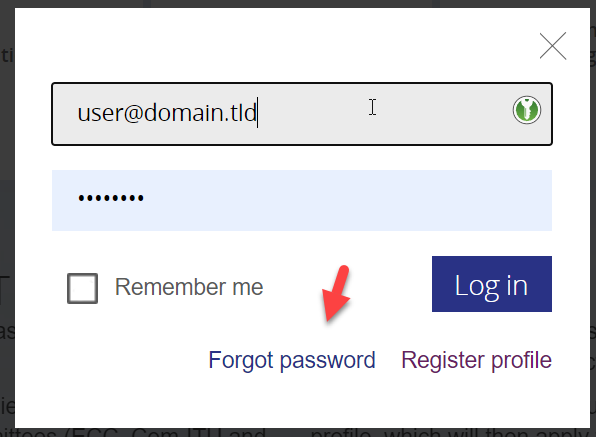
In the login box, click the link “Forgot password”
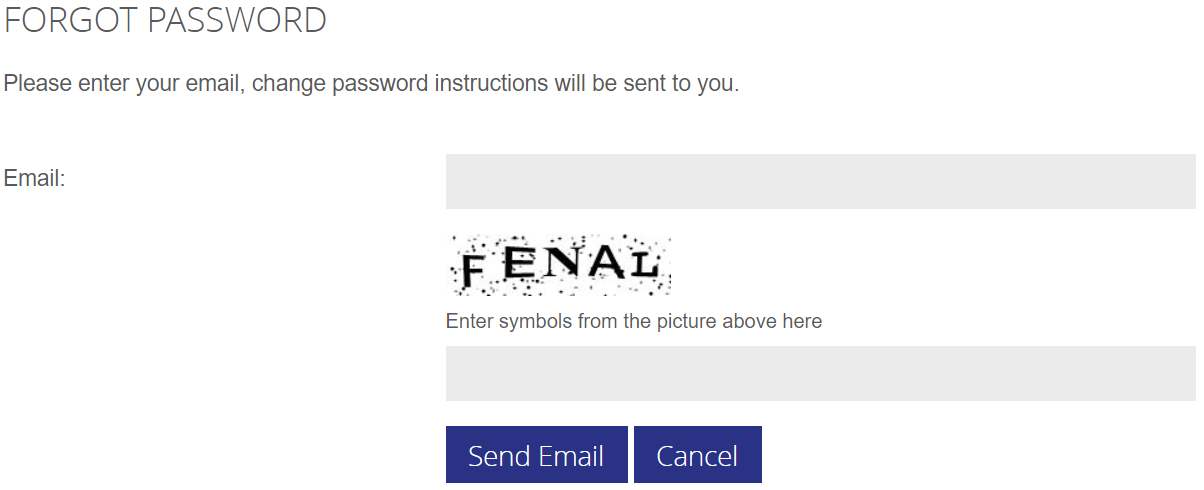
The system will now ask you for your email address and a captcha code to verify you are a human being asking for the password reset. Click the “send email” button when formular is filled.
You will receive an email in your inbox from no-reply@cept.org , with a one-time link to set a new password.
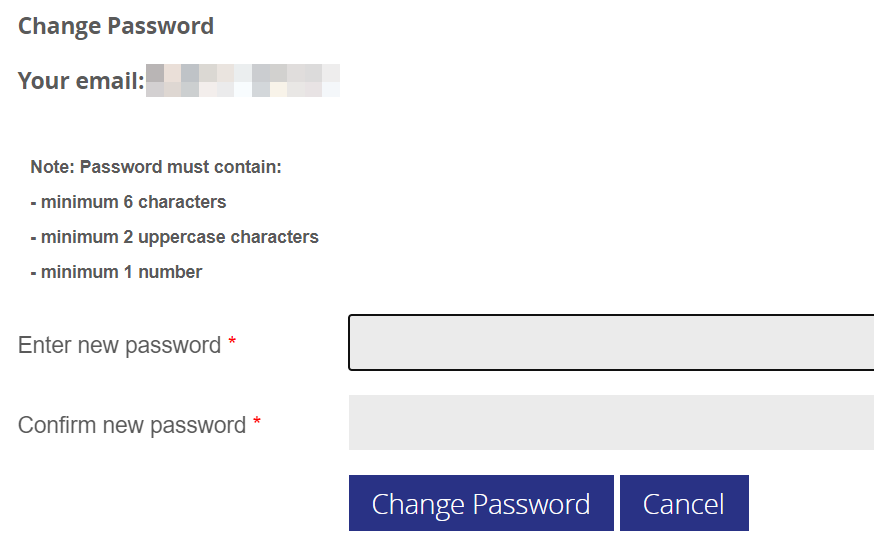
Click the link and enter your preferred password (please note the requirements) :
 If you are having problems setting a new password, please contact helpdesk@eco.cept.org