Quickguide - Connect
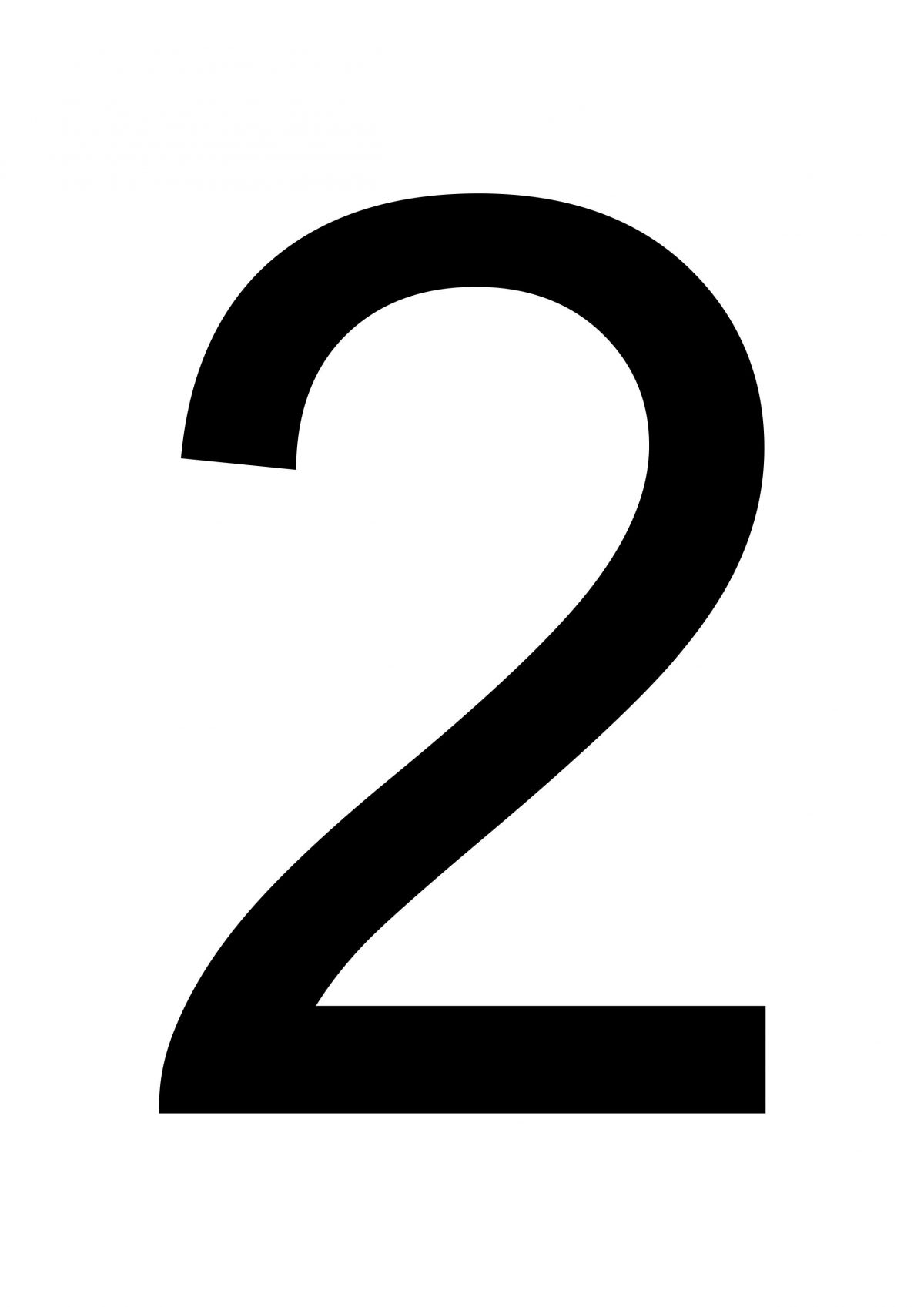
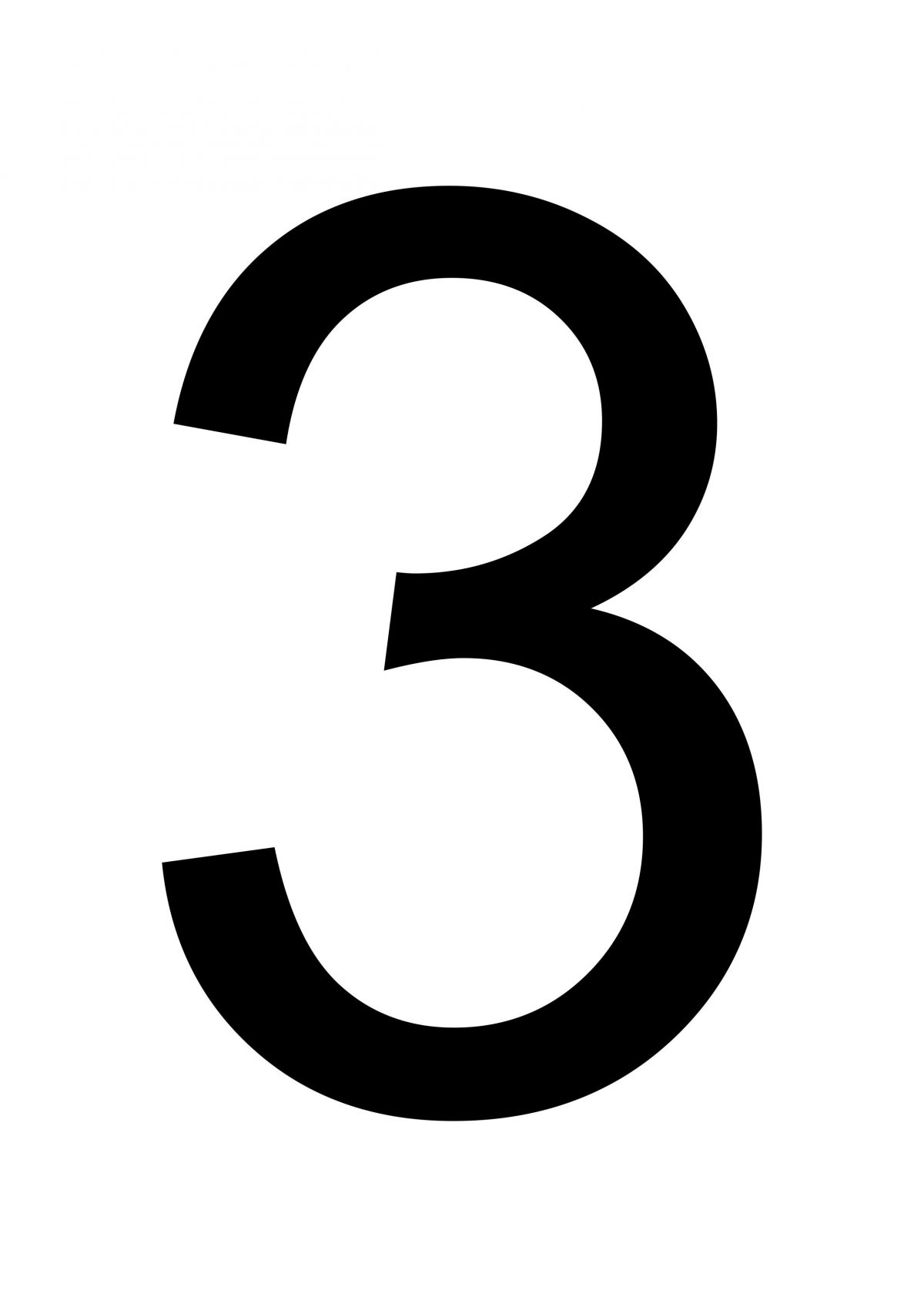
Before anything else, you need to connect to a meeting using the MeetingHUB. Follow this easy 3-step guide to get connected
|
|
Register for meeting on the CEPT Portal.
Login to CEPT portal and follow the normal procedure for registering to a meeting. |
|
|
|
Access the meeting
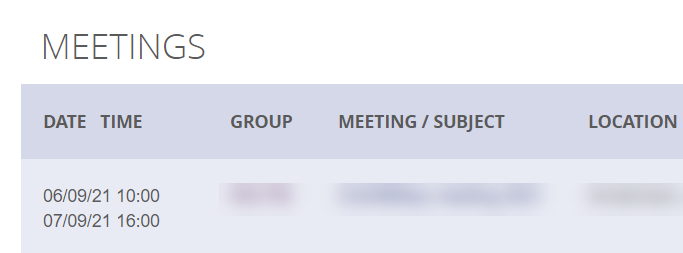
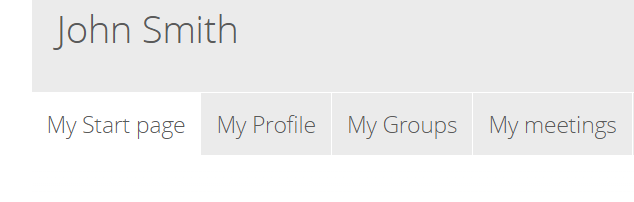
To access the meeting, go to ”My Meetings” in your CEPT portal profile. ” My Meetings” is in
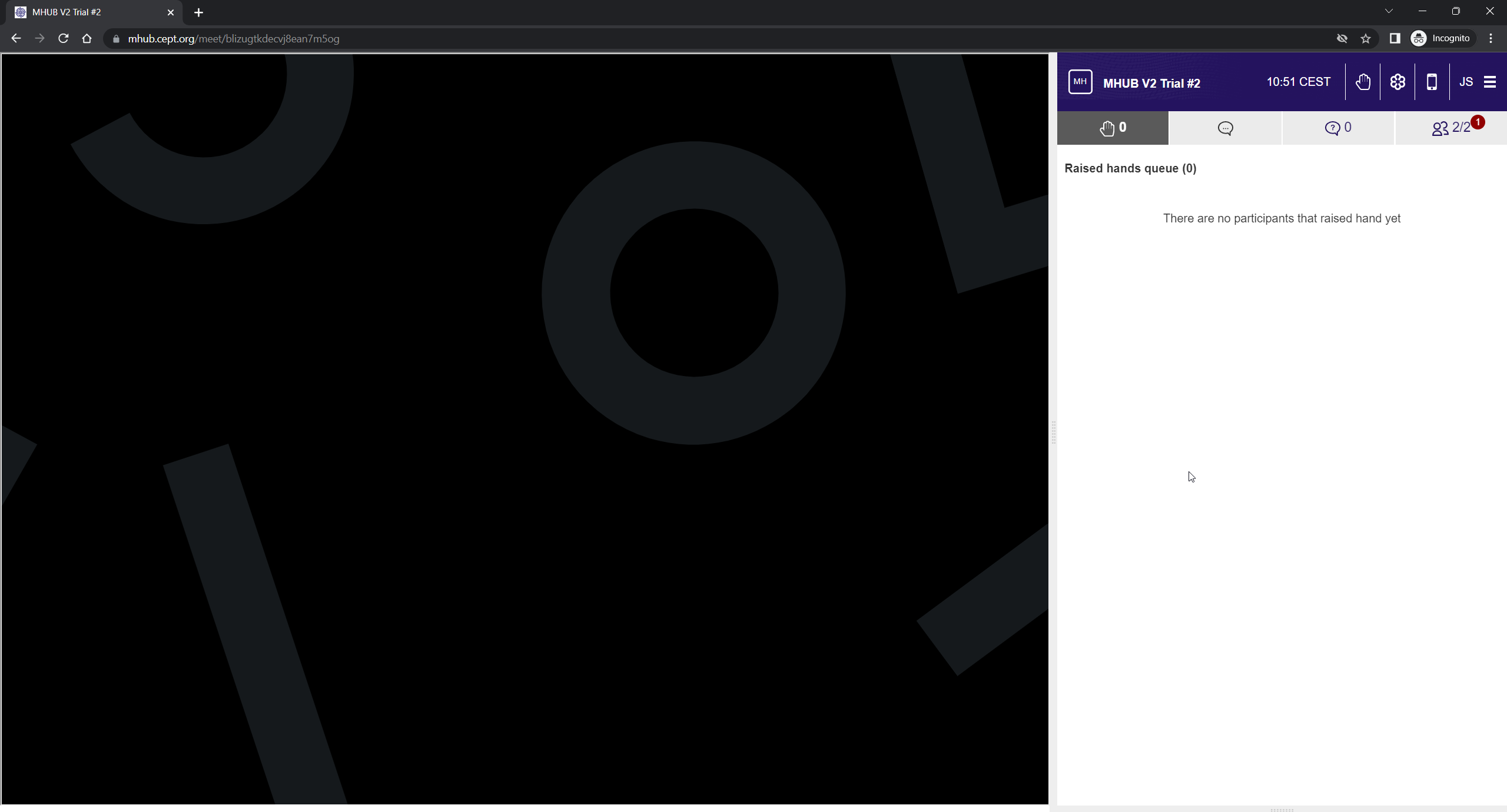
Click the mHub icon next to the meeting to access the MeetingHub and it will open in a new window with MeetingHub and GotoMeeting. Please note for Firefox users a seperate window will be opened for the GotoMeeting
|
|
|
|
GoTo will start automatically in the left side
You can arrange the width of the individual panes by dragging the center line.
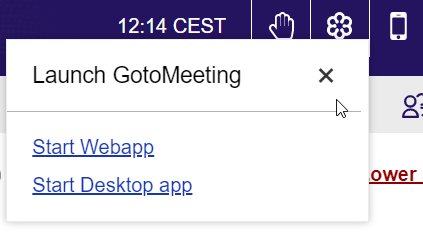
If the GoTo do not start , you can access by clicking the GoTo icon in the menu. Please note that WebApp only works for Edge and Chrome browsers, if using Firefox - you will need to have the GoTo desktop application installed.
Physical participation: If you are participating in a meeting physically, you can use GoTo but are not required to. Please make sure your audio is turned OFF on your device - otherwise echoing will occur in the room.
|
|