Basic attributes
A new questionnaire needs to be setup with basic attributes that ensures the scope and targeted audience.
Title
First of all is to set a title for the questionnaire - this should be self-explanatory - its a one line text attribute, keep it short and concise - more explanantion of the questionnaire is available later :

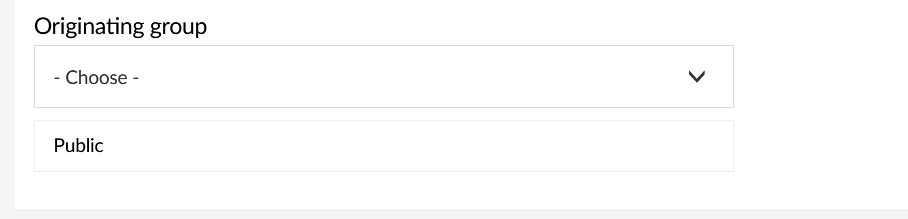
Originating group
In this setting you will target who can respond to the questionnaire.
The standard setting is "PUBLIC" this means the questionnaire is open for any profile on the CEPT portal to respond to.
If you want to narrow the possible respondees to certain working groups or project teams, you can select these from the drop down, you can select as many groups as you wish, members of these groups will be presented with the option to reply the questionnaire.
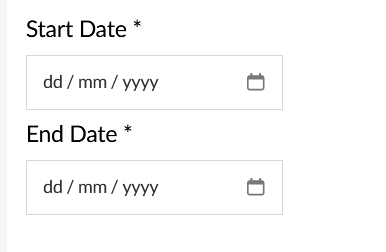
Start and End date
All questionnaires will have a start and end date. Select them from the dropdown when clicked. The start and end date cannot be the same date. The questionnaires will be made available and removed for the users respective of the dates.
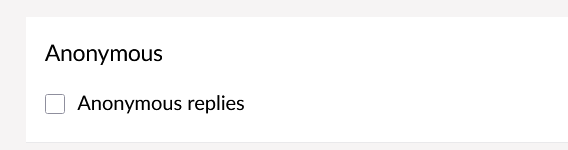
Anonymous replies
When this options is enabled, it means that the system will not record who answers what, but only the answers.
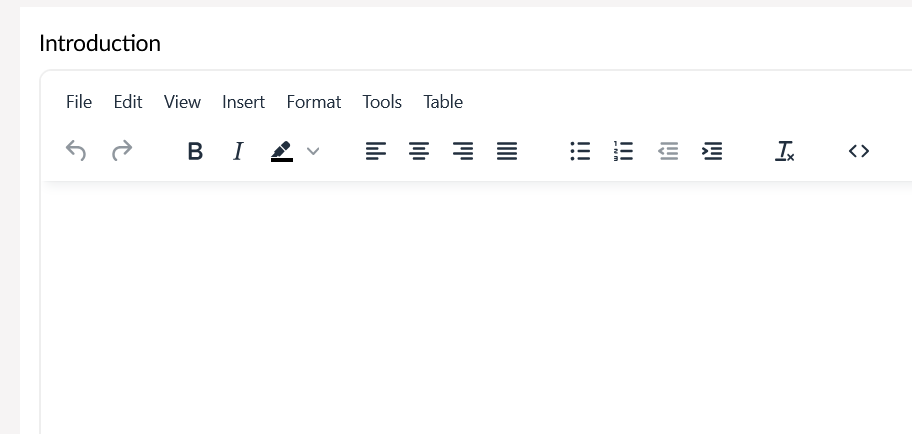
Introduction
In this textbox you can enter a lengthy introduction to the questionnaire.
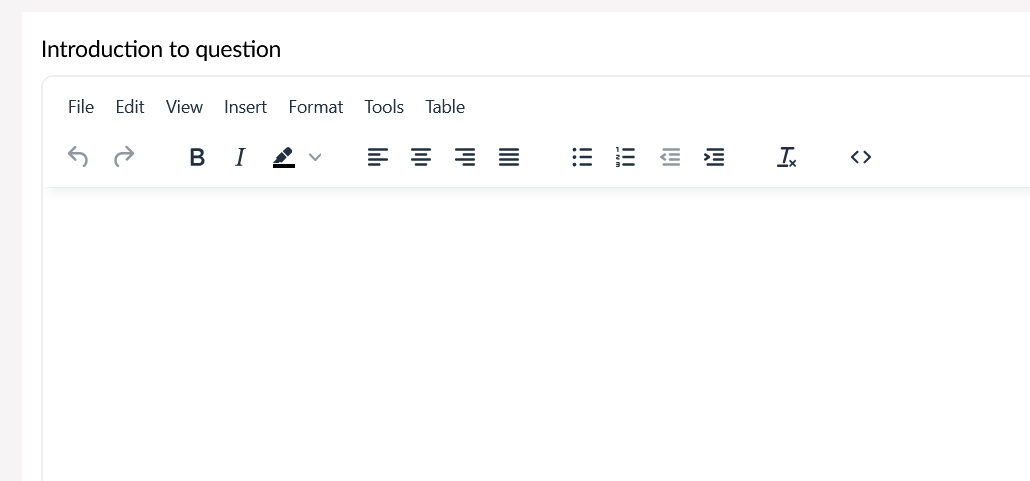
Introduction to question
Further, this text is intended for any special instructions how to answer the questionnaire.
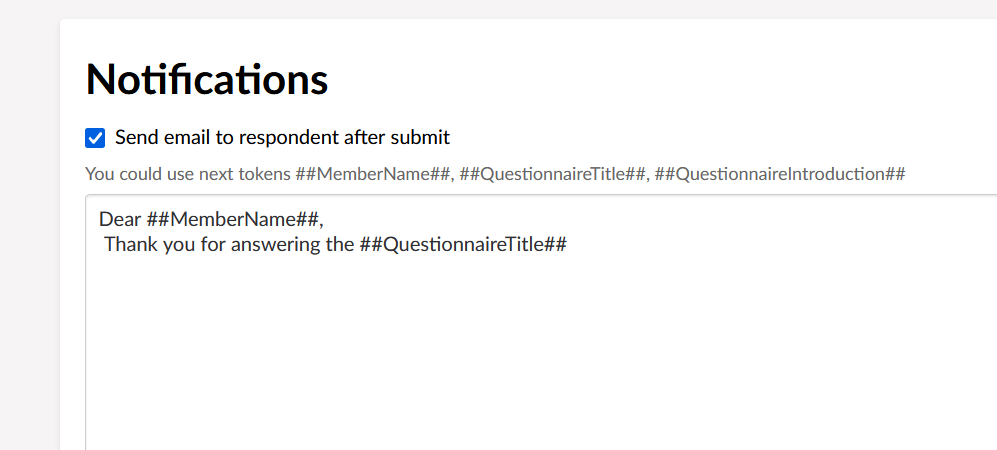
Notifications
The purpose of notifications is to indicate wether the respondent will receive an email AFTER they have submitted their answers. The email will also contain a word file with their own replies to the questionnaire.