Member administration
As a Chair in a group, you are also co-responsible to maintain the memberlist in the chat.
This includes:
- Inviting users
- Removing users
- Approve/Reject user access
You are therefor appointed "admin" rights in the chat groups you are responsible for.
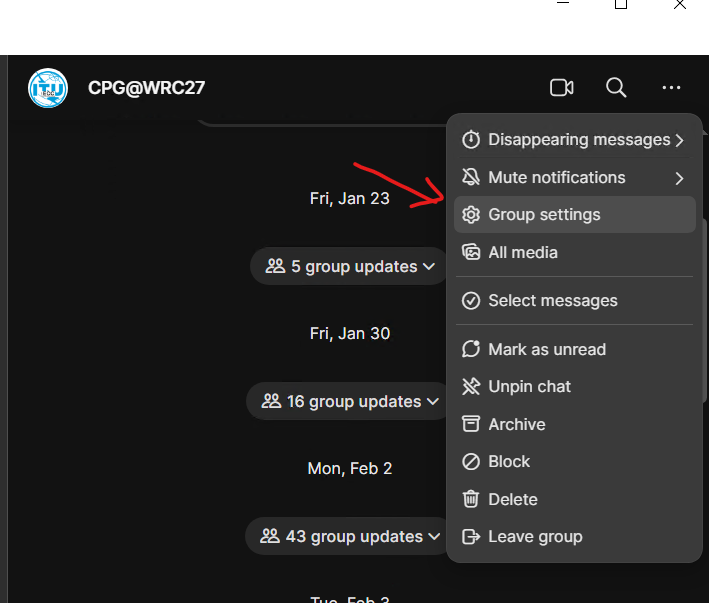
In the Signal App, you find the admin section by clicking the three dots upper right when in the group, go to group settings. (same on both desktop and mobile)
Managing /inviting members:
|
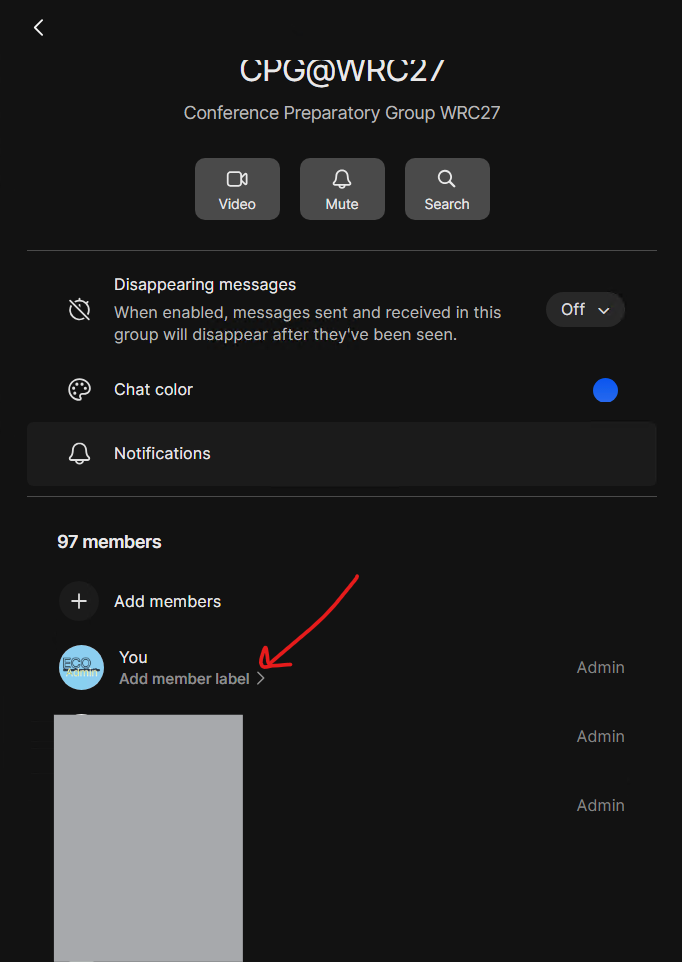
Find members in Group Setting
|
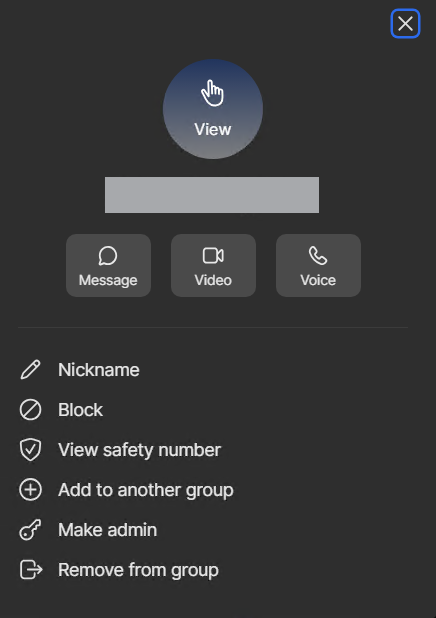
Click on any member to get options
Click the "+ Add member" to invite a member |
Options for the user |
|
|
|
|
Approving / Denying Requests
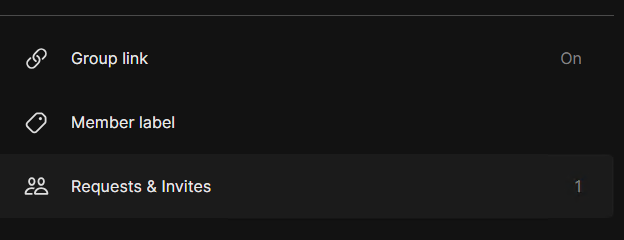
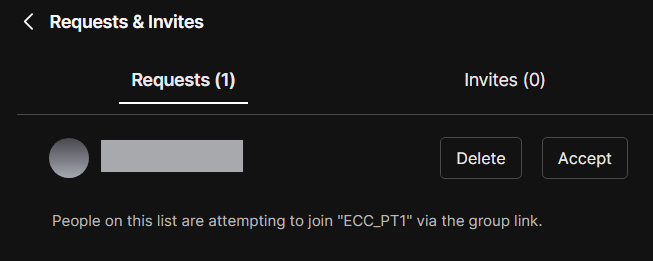
| Find "Requests and Invites" : | Accept or delete request/invite | |
|
Go to "Group Settings"
|
|