
2.19 Multiple vectors comparison
All the vectors (or a subset) that have been generated for one workspace or more can be seen at once. For this, the <Compare Vectors> command is available by clicking this icon  or by pressing <CTRL+SHIFT+V> to open the dialog box in Figure 57.
-
It allows displaying multiple vectors that are resulting from the simulations (batch or not);
-
It allows adding external vectors from a past simulation;
-
It allows changing the text of the legend by double clicking on the vector.
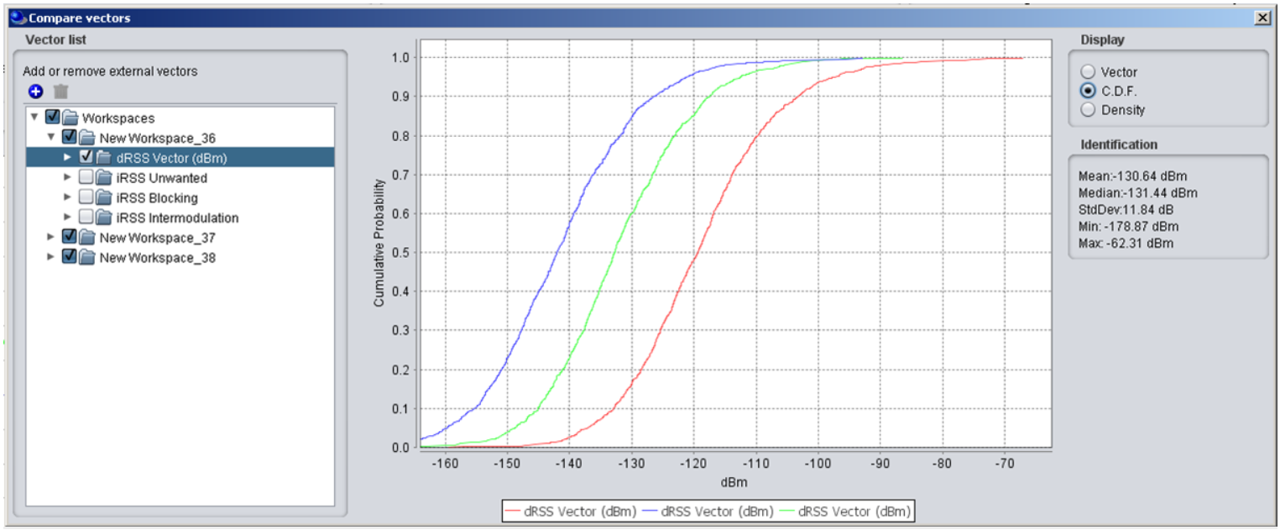
Figure 57: Illustration of the compare vectors feature