
11.2 Event processing GUI
The Event processing GUI consists of 2 main parts as shown in Figure 238. On the left hand side you can add (  ) or duplicate (
  ) an EPP to the simulation, duplicate an EPP, remove (
  ) an EPP from the simulation and export (
  ) an EPP.
There exist some predefined EPPs builtin stored in the library environment (Section 13.5.4) but you can also install your own EPP into SEAMCAT by loading your own .jar file (Section 2.23). The list of builtin EPPs is not exhaustive and will increase with time and needs of SEAMCAT community.
A dedicated section on how to develop your own EPP is given in Section 14.
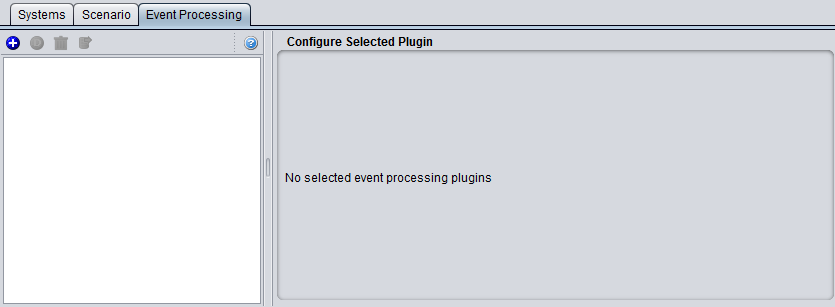
Figure 238: Event processing GUI