Questionnaire development
This book is work in progress, maybe not all information is in here yet, please contact ECO if you need assistance.
- Generel description
- General Settings
- Question types
- Text tool
- Numeric line
- Radio buttons
- Checkbox and Checkbox group
- Multiline text
- Divider
- Title
- Subtitle
- Date
- Table
- Note
- Dropdown
- File upload
- Questionnaire Reports
Generel description
The ECO Questionnaire tool is designed specifically for use on the CEPT portal, to systematically collect answers in a structured manner.
In order to use the questionnaire tool, certain pre-requisites have to be in place:
- As a respondee of a questionnaire - you will need to have a profile established on the system - with a profile on the system you can log in and respond to questionnaires which are either public or targeted working groups you are member of.
- As a questionnaire developer/designer - you will need a profile, and certain access rights on the system. ECO is normally responsible for setting up questionnaires and manage the scope and outcome of these, but in some cases chairs or secretarys assist in this.
General Settings
This section describe the general attributes and settings of a Questionnaire
States of a Questionnaire
A questionnaire is developed in the backend of the CEPT portal.
It will go in and out of different phases in a workflow while being developed.
Under construction
In this phase the questionnaire is being build, the general attributes are being configured and the questions are being designed.
During the construction phase , the designer has the option to "Preview" the final result, this will display a locked questionnaire thats not possible to reply in.
Also the designer can "Publish" the questionnaire, which basically means the questionnaire is live to the users.
To properly test a questionnaire the following settings are set:
- Originating group set to a closed group the designer is member of
- Start date set to todays date
In this way the designer can Publish/Unpublish the questionnaire until satifisfied for final publication. Of course the 2 settings will be set correctly before final publishing.
Active
When the questionnaire is published, it goes into the active phase.
In this phase users are presented with the questionnaire in the daterange that is set, and according to the target audience setting.
Users replying states:
When users start answering the questionnaire it will enter the state of "in progress" for that specific user - when the first question is answered - and when they submit their answers the state will be in the state of "Entries" - this means they have answered and they will see it as a closed questionnaire. The responsee will receive an email with an attached document with their answers they have submitted.
If a user needs to re-answer a questionnaire they already responded to, a member of ECO staff will need to re-open the questionnaire for that specific user by returning it to the state "In Progress". This is done in the backend. Please be aware that this has to be done within the date period of the questionnaire.
Closed
When the Questionnaire end date is reached, the questionnaire is closed for respondees. If it is needed to extend the deadline, a designer will need to
- Unpublish the questionnaire,
- Adjust the dates
- Republish the questionnaire.
Basic attributes
A new questionnaire needs to be setup with basic attributes that ensures the scope and targeted audience.
Title
First of all is necessarily to set a title for the questionnaire - this should be self-explanatory - its a one line text attribute, keep it short and concise - more explanantion of the questionnaire is available later :

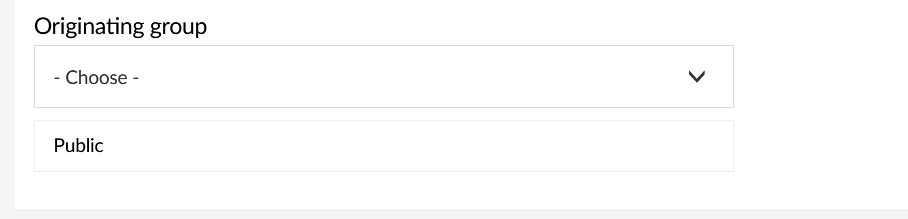
Originating group
In this setting you will target who can respond to the questionnaire.
The standard setting is "PUBLIC" this means the questionnaire is open for any profile on the CEPT portal to respond to.
If you want to narrow the possible respondees to certain working groups or project teams, you can select these from the drop down, you can select as many groups as you wish, members of these groups will be presented with the option to reply the questionnaire.
Start and End date
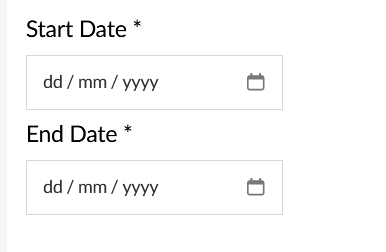
All questionnaires will have a start and end date. Select them from the dropdown when clicked. The start and end date cannot be the same date. The questionnaires will be made available and removed for the users respective of the dates.
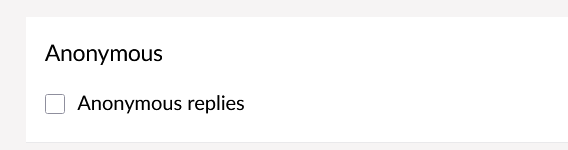
Anonymous replies
When this options is enabled, it means that the system will not record who answers what, but only the answers.
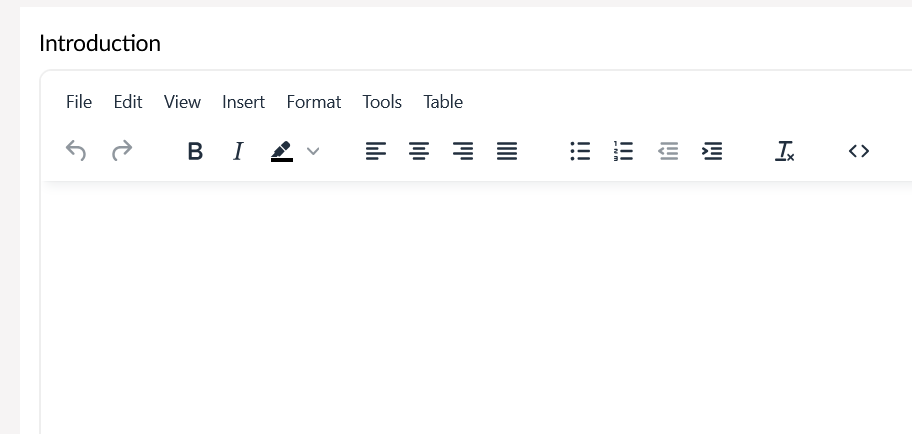
Introduction
In this textbox you can enter a lengthy introduction to the questionnaire.
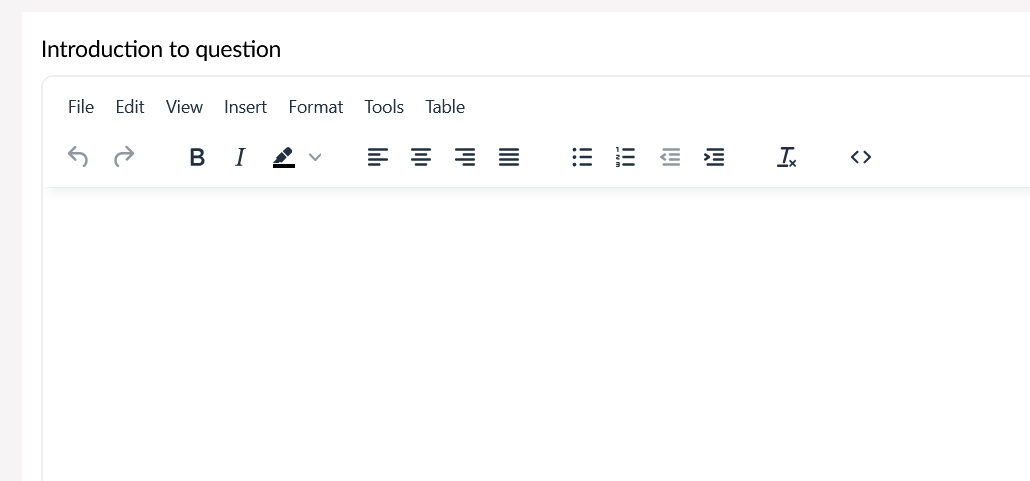
Introduction to question
Further, this text is intended for any special instructions how to answer the questionnaire.
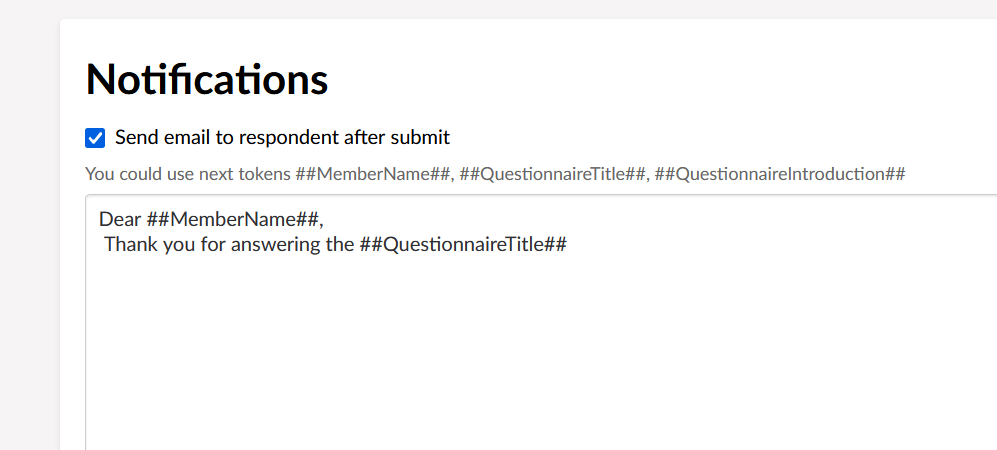
Notifications
The purpose of notifications is to indicate wether the respondent will receive an email AFTER they have submitted their answers. The email will also contain a word file with their own replies to the questionnaire.
Question types
Text tool
Numeric line
Radio buttons
When creating radio buttons as answering options, it is important that they have assigned a value option. The value option must have a value of Yes or No, or some other custome name.
Checkbox and Checkbox group
When using Checkboxes as answering option, its important to enclosed them in a Checkbox group.
If they are not enclosed in a group, the graphic in the report will not reflect the choices.
Multiline text
Divider
Title
Subtitle
Date
Table
Note
Dropdown
File upload
Questionnaire Reports
As part of the life cycle of a questionnaire it will produce three kinds of reports, here we will explain which reports is created and the availability to these.
Report 1 - Submitted response:
This is the users own answers, this report is emailed to the respondent after completing the questionnaire, and is available under the "My submitted replies" in the Questionnaire overview page.
Report 2 - Machine generated report:
The machine generated report of all the responses. This report is available under the individual questionnaires in the Questionnaire overview page. The machine generated report is only accesible for ECO Staff.
Report 3 - Final report:
This is the FINAL report, this is a manual generated report that is uploaded to the questionnaire when the answering period is expired. There is no fixed deadline when this report is available to the questionnaire.
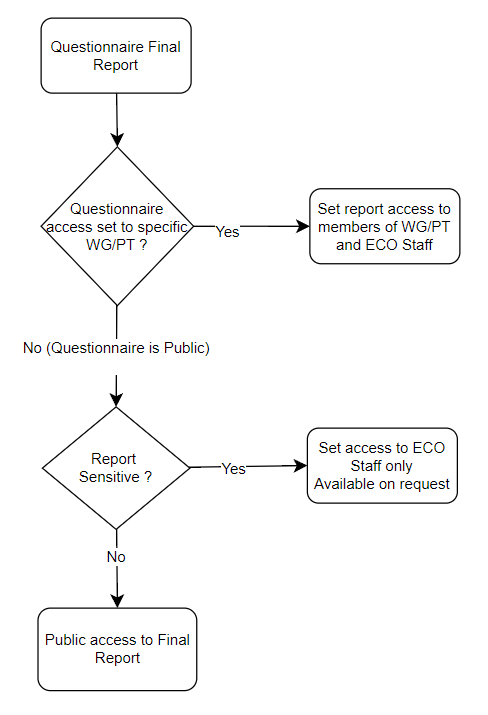
For this report theres a defined access criteria.
1. If the questionnaire is targeted specific WG/PT , access to this report is only for members of these WG/PT.
2. If the questionnaire is PUBLIC and the report is NOT marked sensitive, all can see the report
3. If the questionnaire is PUBLIC and the report IS marked sensitive, only ECO staff can see the report.