Manage Raise Hands
All participants are able to manage their own "Raise Hand" indication, that means they can raise and lower their request when needed.
If you are appointed in the Organiser role, you will also have the option to manage other participants hand indications.
These following options will be available to you:
-
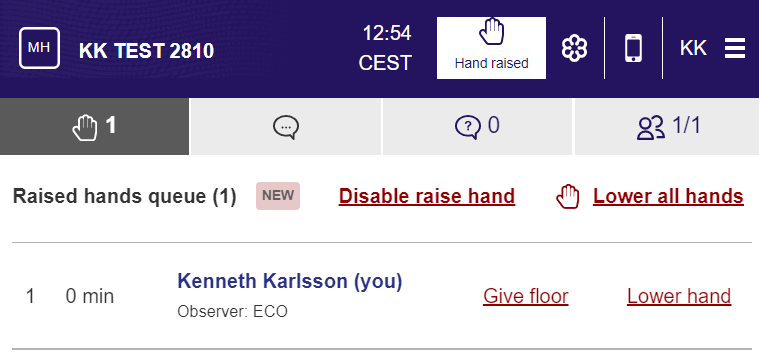
Next to each participants names on the right - the "Lower hand" and "Give Floor" option will be visible
-
At the top of the list commands to lower all hands or disable raise hands (close the floor) in one click is shown.
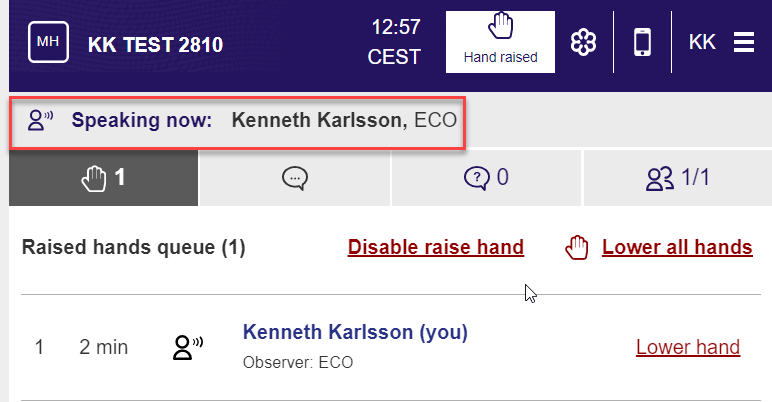
The "give floor" option will display the selected users name and affiliation in the window. When the user lower their hand or you as organiser gives the floor / lowers hand the indication will disappear.