Profile Information
Start page

The Start page is the entry page for your profile, when you login to the portal, you will always start on this page, unless you set another starting point.
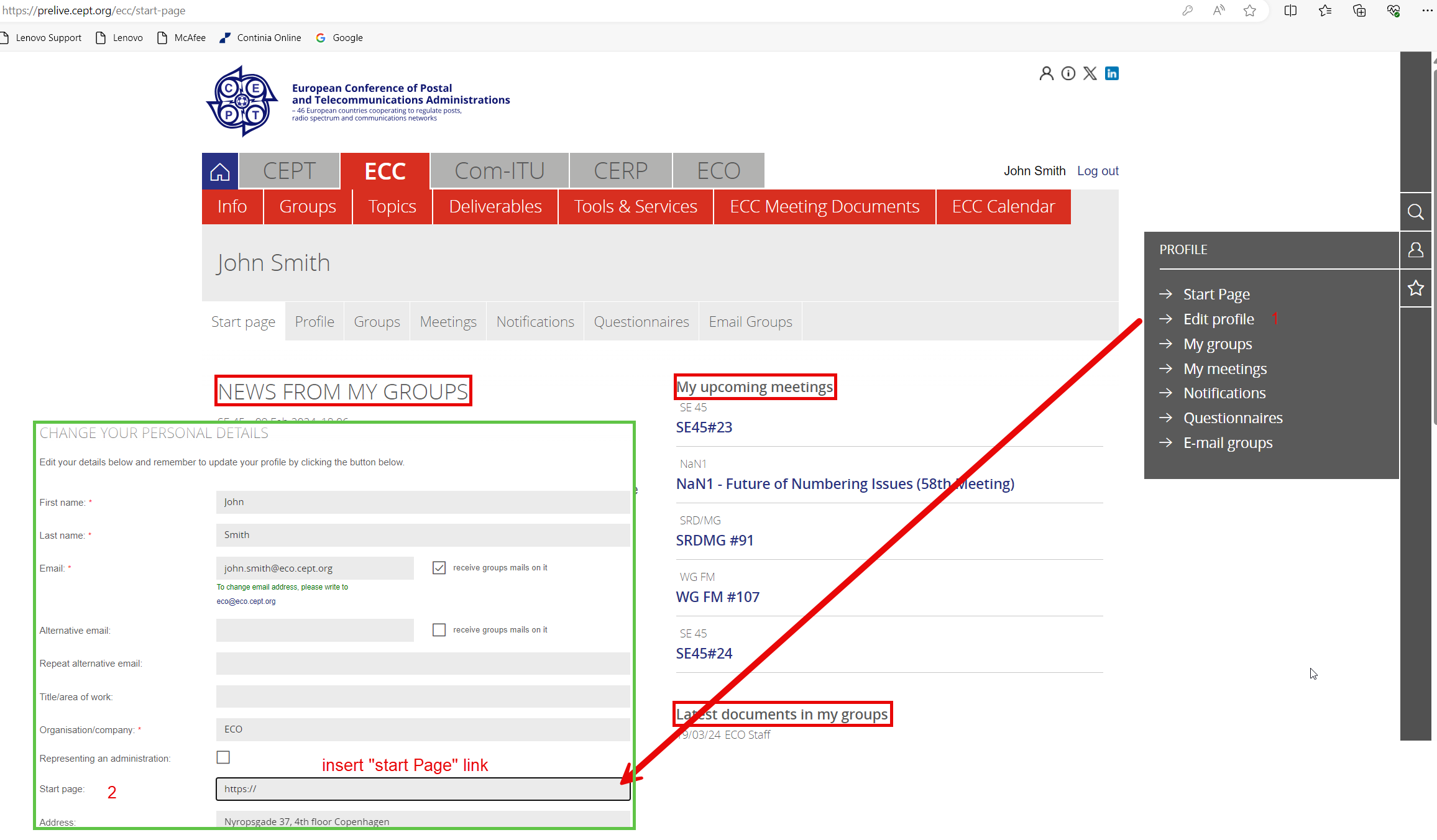
This page contains updates on group news, meeting activities and document updates.*
“News from my groups”:
The news feed on the left contains the most recent news from:
-
Groups you are a member of
-
Groups you are watching
The news is listed in reverse chronological order with the most recent news item on top.
“My upcoming meetings”:
The meetings listed under this heading are from the groups of which you are a member and the groups you are watching.
“Latest documents in my groups”:
The documents listed under this heading are the most recent ones from the groups of which you are a member of or are watching.
Startpage / Landing page
When you login to the portal, you will always start at "My Start Page" unless you set another page to be the starting point :
To change to another start/landing page:
-
Log in to Cept.org and find the page you would like to be your “landing page”, copy link,
-
Go to “Edit Profile” (1)
-
Insert link in “Start page” (2) field and click “update” to save the change.
Profile
Your profile data is the information that will be used in the various function on the portal when you navigate the site.
Creating a profile
To create a profile you need to perform 2 steps.
Step 1 is entering your information and submitting the entry form,
step 2 is for you to acknowledge by email link that you want to have an account with us.
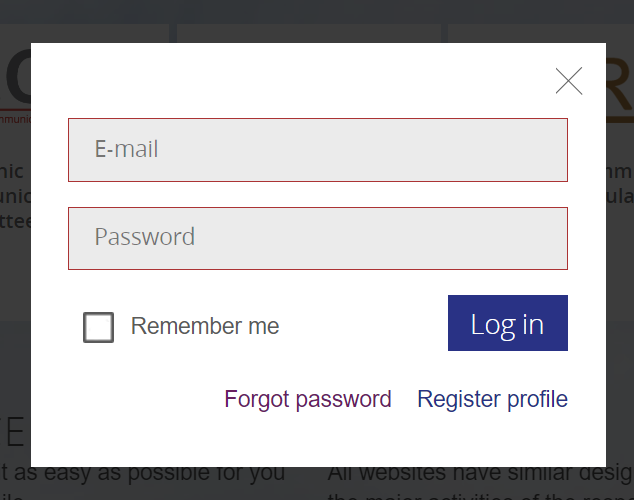
On the frontpage of the CEPT portal, you simply click the “Log in” link in the top left corner. And from login box that appears you can now click the “Register Profile” link.
A profile entry form will now appear. Please fill out the form with relevant information - be mindful that you only enter business data. Fields marked with a red * are mandatory fields and needs to be filled.
Please read the Terms and Conditions for the use of the portal before entering the Captcha code and submit the form.
We handle information in accordance with the GDPR rules, please read here for information about the annual account validation and where to find our GDPR policies.
The form is now submitted and shortly after an approval email should arrive in your inbox. Please click this link to approve your wish for an account - this step is to confirm that you asked for the profile yourself and not somebody else.
Changing your profile


On your startpage - in the section “Profile” you can change your profile data.
Here you can change your profile information, except your main email address. If you need to change this please contact eco@eco.cept.org (please note that a consequence of changing your main email address, could be that you need to re-apply for membership of relevant groups).
You can also change your password on this page, and you will find the special login information needed for the chat system.
My groups

This page gives you an overview of the working groups and project teams that you are a member of.
-
Favourite groups: These groups are the ones you have listed in the “My profile” box under Favourite groups .
-
Member: The groups of which you are a member.
-
Watching: The groups you are watching (and getting news updates from).
My meetings
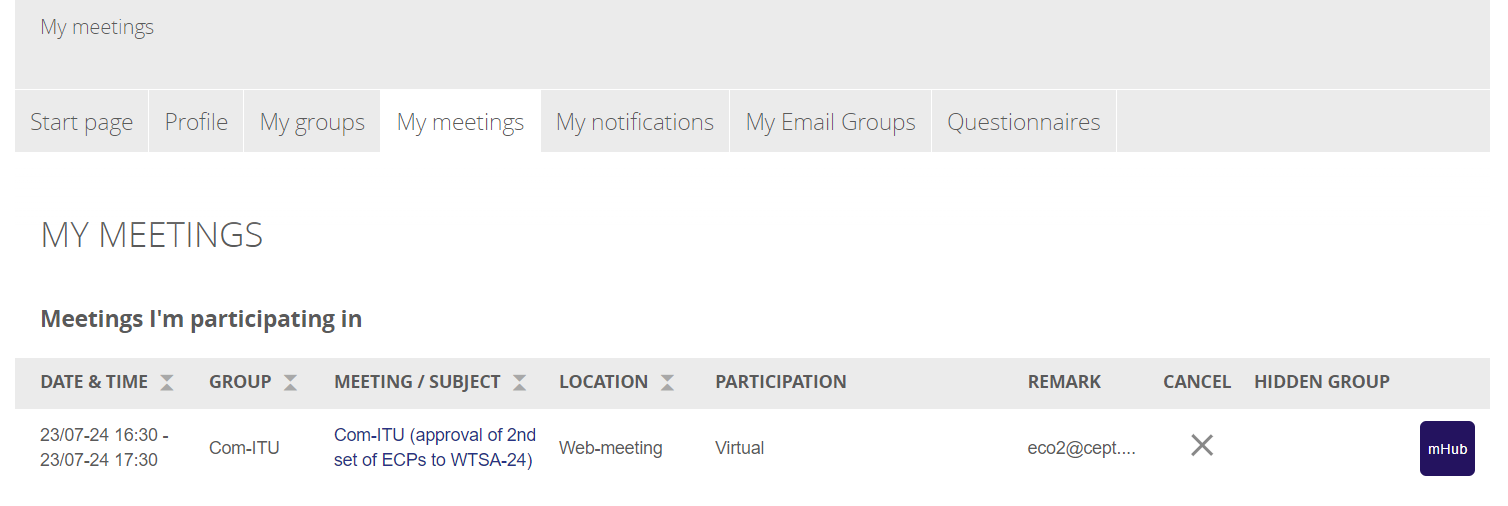
From here you can access the MeetingHub for attendance. Also you can cancel your registration by clicking the X.
If you need to change your participation type (Virtual/Physical) for hybrid meetings, you need to contact the meeting organiser, this is subject to availability of the chosen type.
My notifications
Within the meeting documents area, you can choose to be notified about updates to a document or a folder.
Notifications are sent out daily in the morning for changed document/folders that have been altered the previous day.
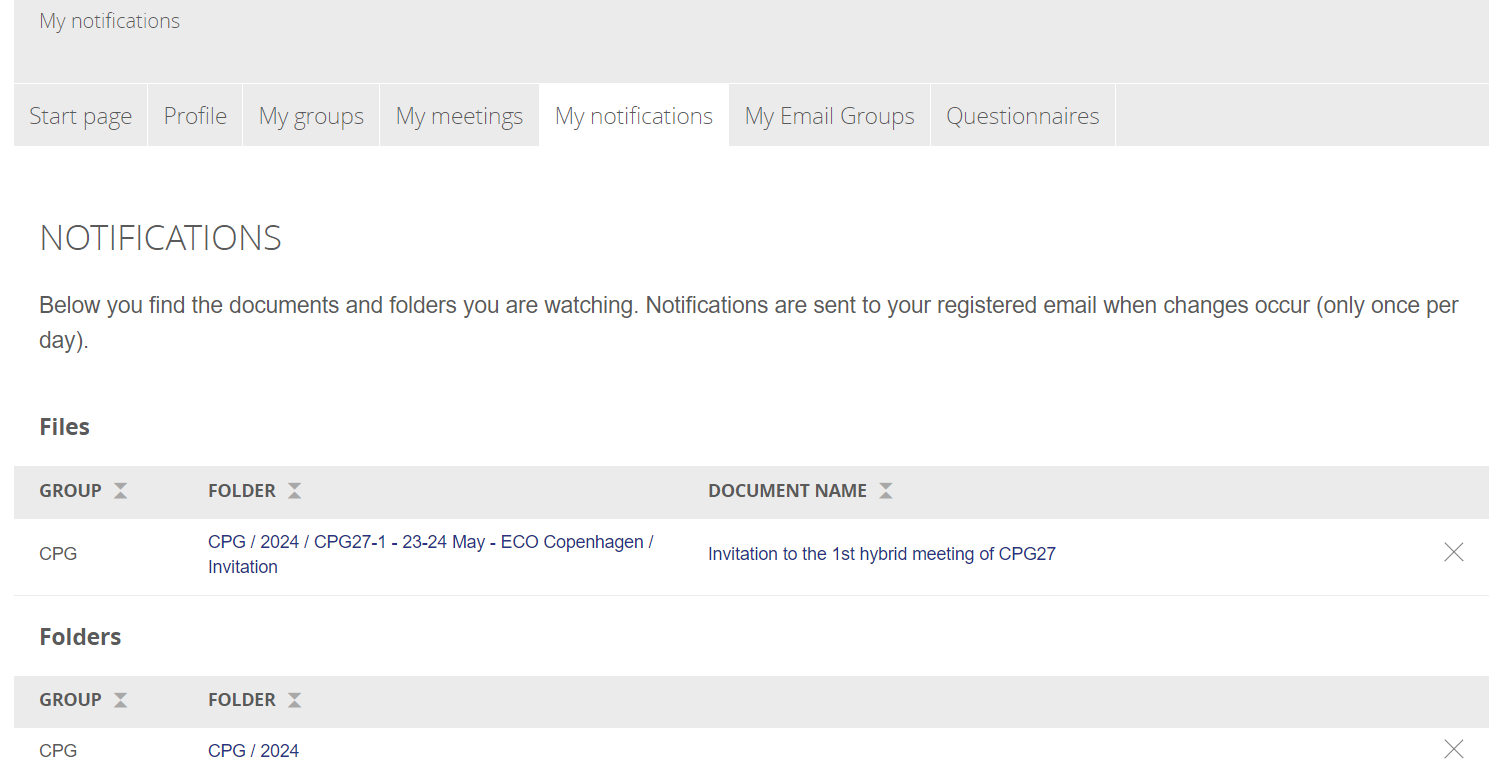
You can cancel your notification subscription by clicking the X in the right side of the table.
My Email groups
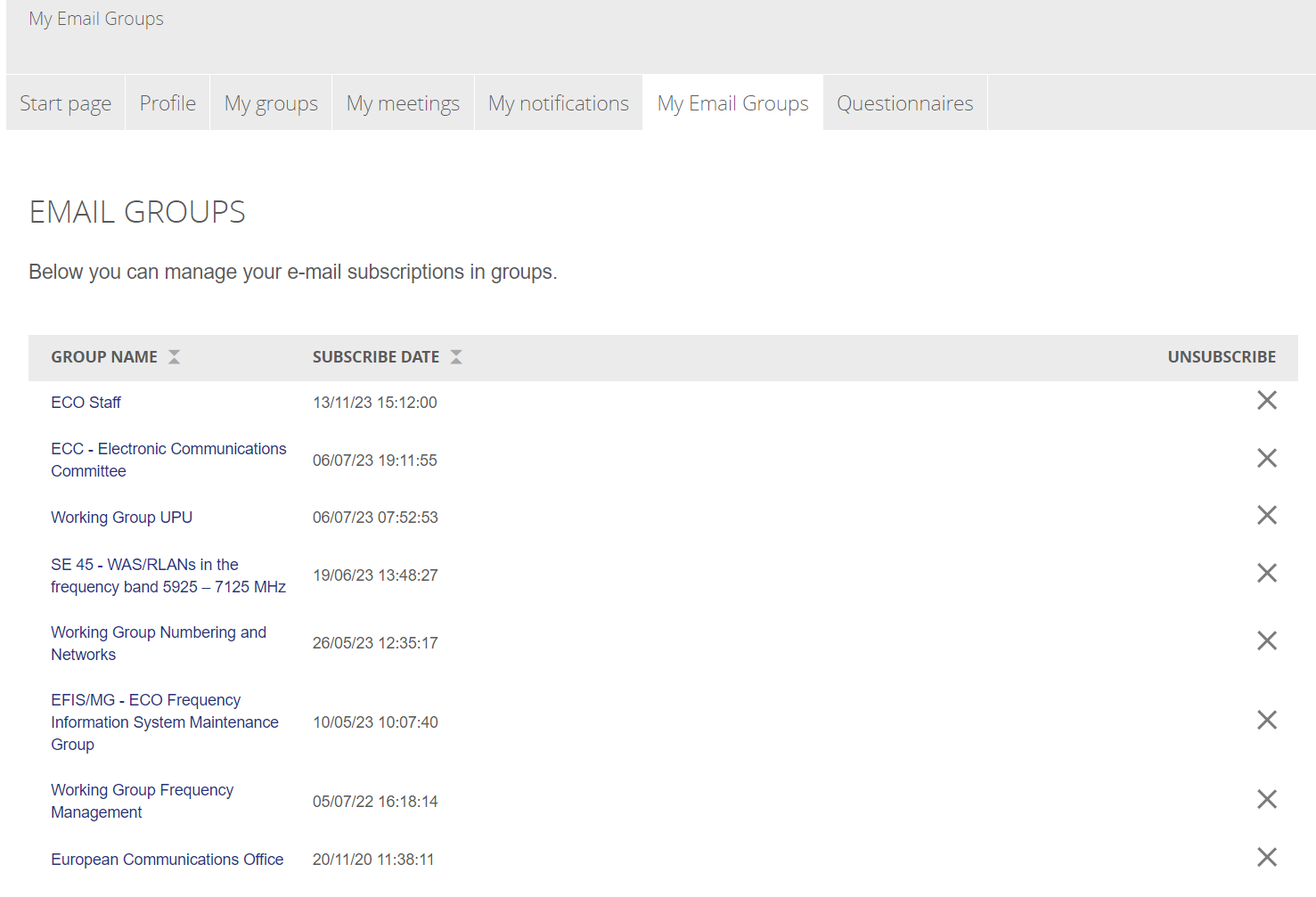
In “My Email Groups” you can manage your e-mail subscriptions in groups.
When you enter a group, you will automatically be signed up for the group email list.
Questionnaires
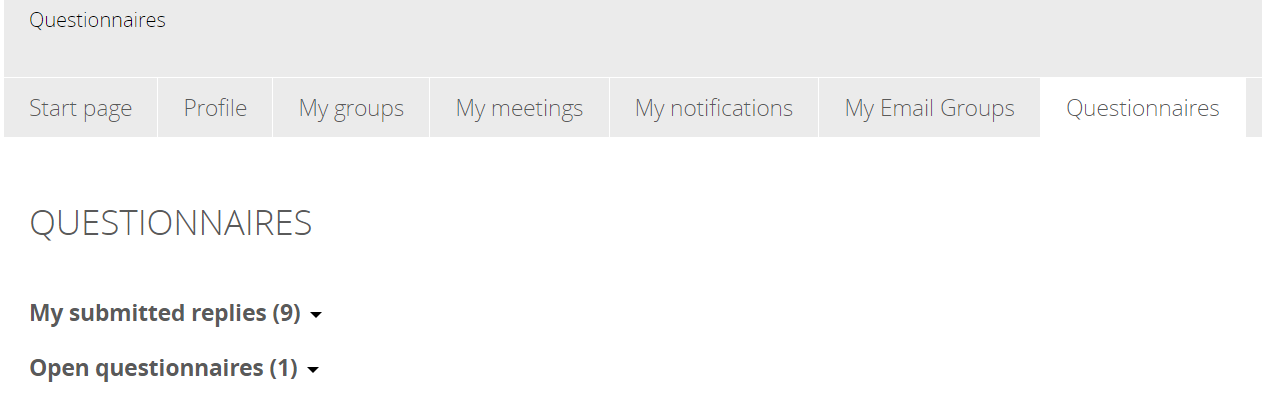
On this page you have a list of questionnaires that are open to you for answering, and the submitted replies from previous questionnaires.