# 2.18 Testing unwanted emissions function
A sanity check on the unwanted emission calculation can be done by using the <Test Rel. Unwanted***>*** emission function in the menu bar of SEAMCAT, by clicking on the icon of the toolbar ( [](https://wiki.cept.org/uploads/images/gallery/2026-04/Vp4YhOGoHBLqehVC-image.png) ) or by pressing <CTRL+SHIFT+U>. The definition of unwanted emissions mask can be checked by calculating the actual unwanted emissions for given mask in a given VLR bandwidth applying a certain ILT-VLR frequency offset:
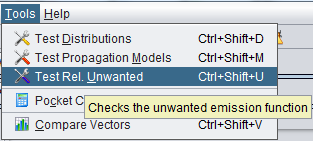 **Figure 55: Access to testing unwanted emission function**
This feature allows to directly extract the unwanted emission by entering the frequency separation, the receiver bandwidth and the spectrum mask as shown in Figure 56.
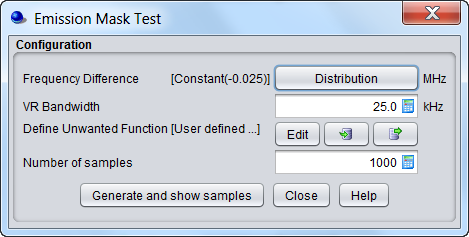**Figure 56: Illustration of the unwanted emission function check routine**